
If you’re running payroll through VensureHR and wondering why your accounting software still requires manual data entry every pay period, you’re not alone. Integration flexibility is one of the most practical questions business owners ask when evaluating or renewing a PEO — and it’s one that rarely gets a straight answer from sales teams.
Here’s what you need to know upfront: VensureHR runs on PrismHR, which is the underlying technology platform powering their payroll, benefits, and HR modules. That means Vensure’s integration options are largely determined by what PrismHR supports, not by proprietary Vensure technology. PrismHR offers a marketplace of pre-built connectors and a REST API for custom development, but access to that API typically requires going through Vensure directly — and the documentation isn’t publicly available.
Below, we’ve broken down the tools that connect to VensureHR’s ecosystem, what those connections actually look like in practice, and where you’re likely to hit friction. If you’re evaluating Vensure partly on integration depth, we’ll also point you toward resources that make that comparison easier.
1. Clicks Geek PEO
Best for: Business owners evaluating or renewing PEO contracts who want objective, side-by-side comparisons before committing.
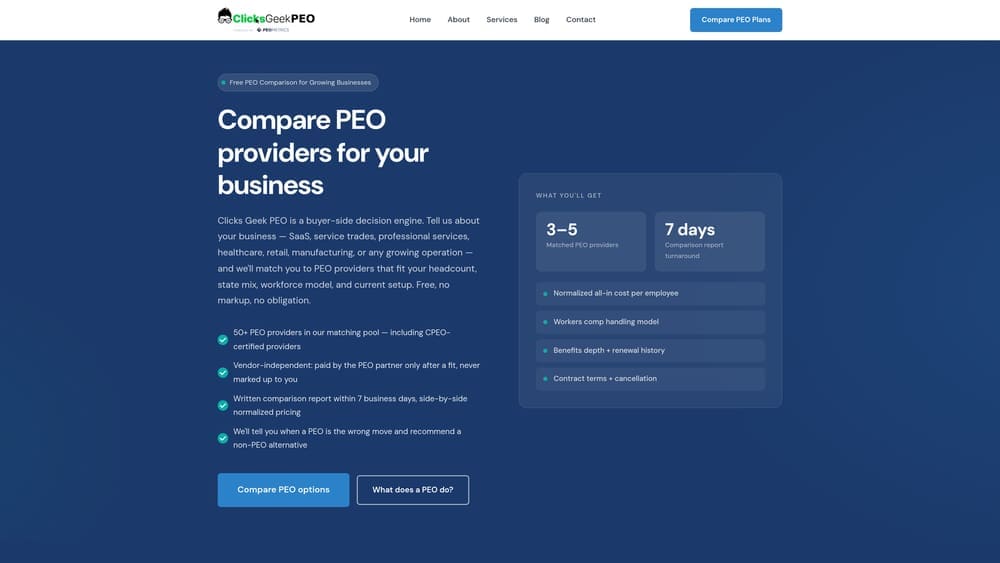
Clicks Geek PEO is an independent PEO comparison platform that helps businesses evaluate providers like VensureHR on integration depth, pricing structure, and contract terms — without any conflict of interest.
Where This Tool Shines
Most PEO comparison resources are either produced by the PEOs themselves or by brokers who earn commissions on placements. Clicks Geek PEO operates differently: it’s built specifically to give business owners transparent, structured information before they sign or renew.
If integration flexibility is a deciding factor for you — and for many operators it should be — this platform helps you understand how Vensure stacks up against other PrismHR-based and proprietary-platform PEOs on tech connectivity, not just headcount pricing.
Key Features
Side-by-Side Provider Comparisons: Evaluate VensureHR against competing PEOs on tech stack, integration capabilities, service model, and pricing structure in one place.
Transparent Pricing Breakdowns: Understand what you’re actually paying for — including administrative fees, benefit markups, and bundled costs that often go unexplained in PEO contracts.
Contract Term Analysis: Flags lock-in risks, auto-renewal clauses, and termination conditions that can make switching providers more painful than expected.
Independent Advisory: Clicks Geek PEO is not a PEO and doesn’t earn placement commissions, so the analysis isn’t tilted toward pushing you toward any specific provider.
Best For
Business owners, CFOs, and operations managers who are actively evaluating PEO providers or coming up on a contract renewal and want objective data before making a decision. Particularly useful if integration capability is a key evaluation criterion.
Pricing
Free to use. Comparison resources and pricing breakdowns are available at no cost through the platform.
2. PrismHR
Best for: Understanding the foundational technology layer that determines what VensureHR can and can’t connect to.
PrismHR is the underlying platform powering VensureHR’s payroll, benefits administration, and HR modules — and it’s the actual source of Vensure’s integration capabilities.
Where This Tool Shines
PrismHR isn’t something you’ll purchase or configure yourself. But understanding it matters because when Vensure’s sales team talks about integrations, they’re really talking about what PrismHR’s marketplace and API support. The platform is used by many mid-market PEOs, which means integrations built for PrismHR often carry over across providers.
PrismHR maintains a marketplace of pre-built connectors covering accounting, time tracking, and benefits platforms. For anything outside that marketplace, there’s a REST API — though access to it is gated through the PEO, not available directly to clients.
Key Features
Integration Marketplace: Pre-built connectors for commonly requested accounting, time and attendance, and benefits platforms — no custom development required for supported tools.
REST API: Enables custom integrations with payroll, employee demographics, and benefits data endpoints for businesses with developer resources.
Employee and Payroll Data Endpoints: Structured data access for building bespoke connections with proprietary or niche business systems.
Multi-PEO Ecosystem: Because PrismHR powers many mid-market PEOs, its integration library is broader than what any single PEO could build independently.
Best For
Technical teams and operations managers who want to understand what’s actually powering Vensure’s platform before committing to a contract. Also useful for evaluating whether a PrismHR-based PEO fits your existing tech stack better than a proprietary-platform provider.
Pricing
Not sold directly to PEO clients. PrismHR is included as part of VensureHR’s platform — you’re paying for it through your PEO fees whether you know it or not.
3. QuickBooks Online
Best for: Small to mid-sized businesses that need payroll journal entries and GL data from Vensure flowing into their accounting system without manual re-entry.
QuickBooks Online is the most commonly requested accounting integration for PEO clients and is available through PrismHR’s marketplace as a pre-built connector.
Where This Tool Shines
The core value here is eliminating double-entry. Without an integration, your bookkeeper or controller is manually re-keying payroll data from Vensure’s reports into QuickBooks after every pay run. That’s time-consuming and error-prone, especially as headcount grows.
The PrismHR-to-QuickBooks connector automates GL mapping and journal entry sync, so payroll data flows into your chart of accounts without manual intervention. Most PEO providers that run on PrismHR support this integration, which makes it one of the more reliable options in the ecosystem.
Key Features
Automated GL Mapping: Maps payroll categories to your QuickBooks chart of accounts so journal entries land in the right place after each pay run.
Payroll Journal Entry Sync: Reduces manual data entry by pushing payroll totals, tax withholdings, and deductions directly into QuickBooks.
Pre-Built Connector: Available through PrismHR’s marketplace, meaning setup is typically faster than a custom integration.
Wide PEO Compatibility: QuickBooks integration is supported across most PrismHR-based PEOs, so this connection is relatively low-risk from a continuity standpoint.
Best For
Small and mid-sized businesses already using QuickBooks Online as their primary accounting system who want to reduce manual reconciliation work after each payroll cycle. Particularly valuable for companies running bi-weekly payroll with 20 or more employees.
Pricing
QuickBooks Online starts at $35/month. Integration setup may be included with your Vensure service tier or may require configuration — confirm this with your Vensure account manager before assuming it’s turnkey.
4. Xero
Best for: Smaller operations already on the Xero platform that want payroll data from VensureHR synced into their books without switching accounting software.
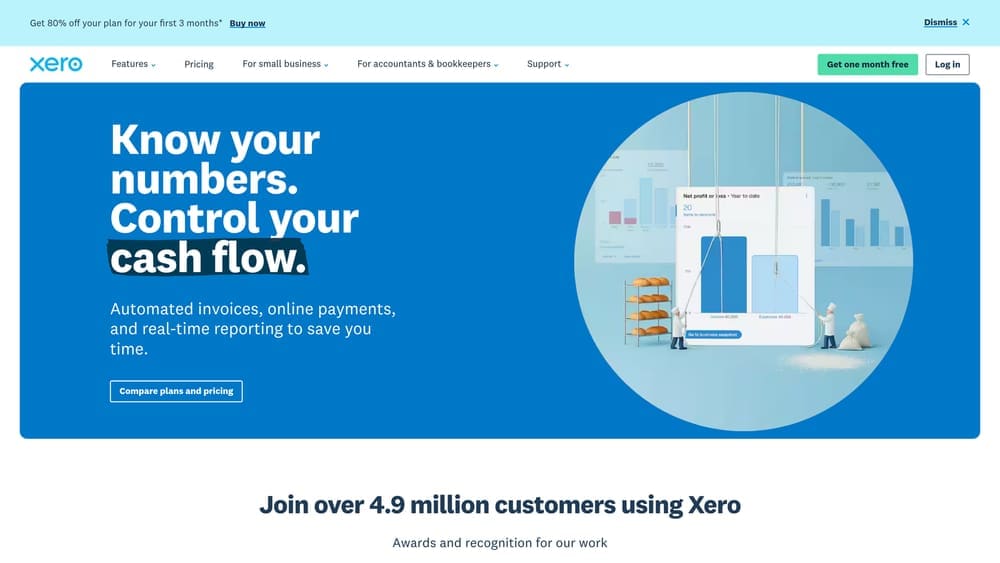
Xero is a cloud accounting platform that can receive payroll data from VensureHR through PrismHR’s integration marketplace, though availability may vary by configuration.
Where This Tool Shines
Xero has a loyal user base among smaller businesses and startups that prefer its cleaner interface over QuickBooks. If your team is already comfortable in Xero, switching to QuickBooks just to get a smoother PEO integration isn’t worth the disruption.
The Xero connection through PrismHR handles journal entry sync and reconciliation similar to the QuickBooks integration, though it’s worth confirming current availability with Vensure directly since marketplace support can change. Multi-currency support is a practical differentiator for companies that also work with international contractors.
Key Features
Payroll Data Sync: Journal entries and payroll totals pushed from Vensure into Xero for reconciliation without manual re-entry.
Simpler Interface: Xero’s cleaner UI makes it easier for smaller teams without dedicated accounting staff to manage books alongside PEO payroll data.
PrismHR Marketplace Availability: Growing presence in PrismHR’s connector library, though you should verify current status with Vensure before assuming it’s active.
Multi-Currency Support: Useful if your company works with international contractors or has foreign currency transactions alongside domestic payroll.
Best For
Small businesses and early-stage companies already using Xero who want to avoid the friction of switching accounting platforms just to accommodate PEO integration requirements.
Pricing
Xero plans start at $15/month. Integration availability depends on Vensure’s current PrismHR configuration — ask specifically whether Xero sync is active before finalizing your service agreement.
5. When I Work
Best for: Businesses with hourly or shift-based workforces that need scheduling and time-tracking data feeding into Vensure’s payroll processing.
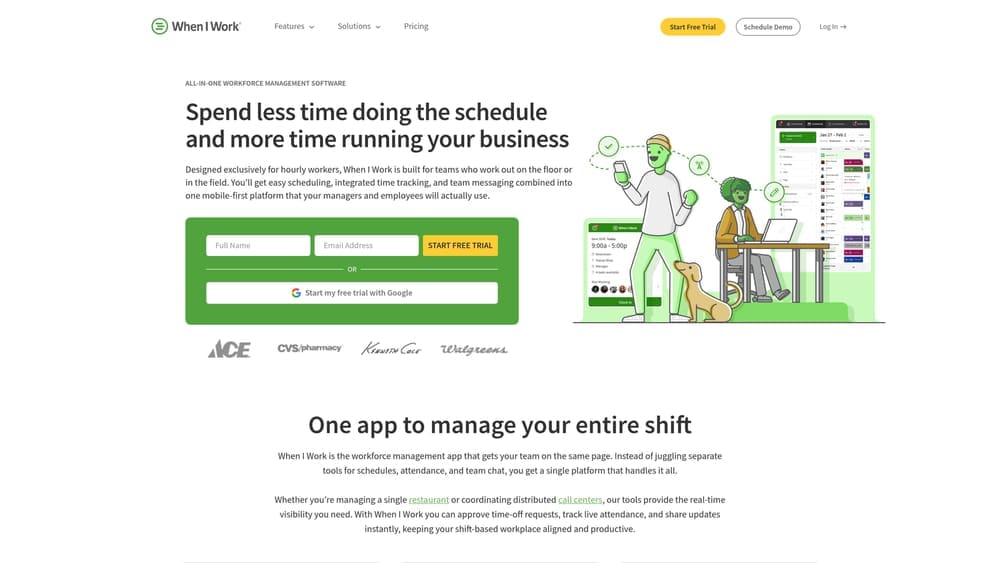
When I Work is a scheduling and time-tracking platform built for industries with variable shift schedules, and it can feed attendance data into PrismHR-based payroll pipelines.
Where This Tool Shines
For salaried employees, payroll integration complexity is relatively low. For hourly workforces — restaurants, home services, retail, healthcare staffing — the time and attendance data problem is much messier. Hours vary week to week, shift swaps happen, and getting accurate data into payroll on time is a real operational challenge.
When I Work handles the scheduling and time clock side, with attendance data exports that are compatible with PrismHR-based payroll. It’s not the most enterprise-grade solution, but for small and mid-sized teams with shift-based workers, it’s practical and affordable.
Key Features
Shift Scheduling with Employee Self-Service: Employees can view schedules, request swaps, and manage availability without manager intervention for every change.
GPS and Photo Verification Time Clock: Reduces buddy punching and location fraud for distributed or field-based workforces.
Attendance Data Export: Compatible with PrismHR-based payroll processing, reducing manual hour entry before each payroll run.
Industry Fit: Built specifically for shift-based industries where headcount and hours fluctuate significantly week to week.
Best For
Restaurants, retail operations, home service companies, and other businesses with variable hourly workforces who need time and attendance data connected to their PEO payroll without investing in enterprise-level workforce management software.
Pricing
Starts at $2.50 per user per month for scheduling. Time and attendance plans vary — check current pricing on their site, as tiers have shifted.
6. Sage Intacct
Best for: Mid-market companies with complex cost centers, multi-entity structures, or financial reporting requirements that outgrow what QuickBooks can handle.
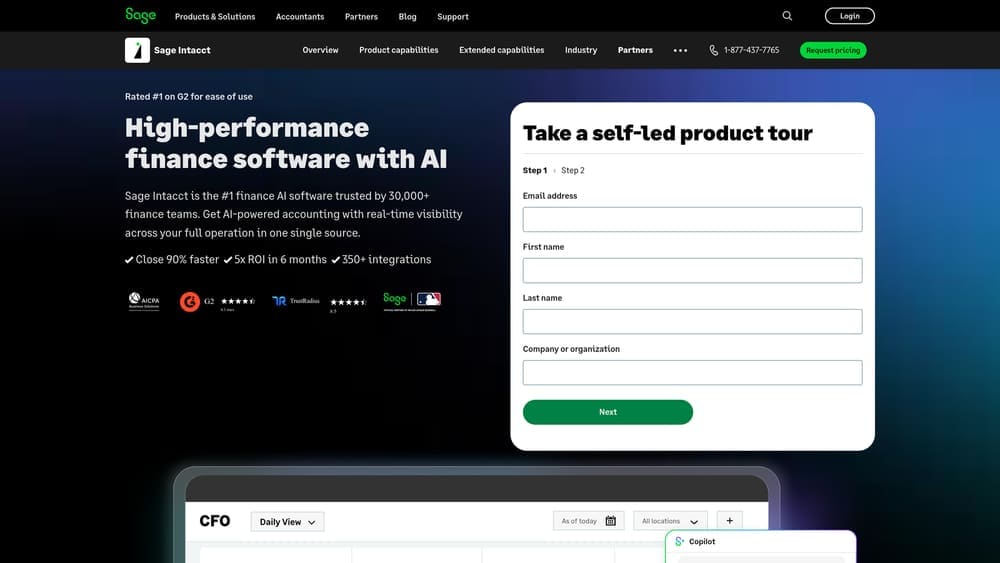
Sage Intacct is an enterprise-grade cloud accounting platform that integrates with PrismHR for payroll data sync, offering significantly deeper financial reporting than entry-level accounting tools.
Where This Tool Shines
QuickBooks works well up to a point. Once you’re managing multiple entities, allocating payroll costs across departments or projects, or running consolidated financial statements across business units, its limitations become real problems. Sage Intacct is built for that level of complexity.
The PrismHR-to-Sage Intacct integration allows for multi-dimensional GL allocation, meaning payroll data can be mapped to specific departments, locations, or cost centers rather than just broad account categories. For companies scaling past 50 employees with finance teams that need granular reporting, this is a meaningful operational upgrade.
Key Features
Multi-Entity GL Reporting: Handles consolidated financial statements across multiple business entities — critical for holding companies or businesses with distinct operating units.
Granular Payroll Allocation: Maps payroll costs to departments, projects, or locations with more precision than basic accounting platforms allow.
PrismHR Marketplace Integration: Available as a pre-built connector, reducing custom development requirements for the initial setup.
Scalability: Designed for companies growing through the 50-500 employee range where financial complexity typically increases faster than headcount.
Best For
Mid-market companies with complex financial structures, multi-entity reporting needs, or finance teams that need more than basic payroll journal entries. Not the right fit for small businesses — the cost and complexity aren’t justified below a certain scale.
Pricing
Custom pricing; typically starts in the $15,000-$25,000 per year range depending on modules and user count. Confirm integration availability with Vensure before budgeting for implementation.
7. Zapier
Best for: Bridging gaps when a direct VensureHR or PrismHR integration doesn’t exist for a specific tool in your stack.
Zapier is a no-code automation middleware platform that can connect VensureHR data to thousands of other applications when a native integration isn’t available.
Where This Tool Shines
Here’s the honest reality: PrismHR’s marketplace covers the most common tools, but it doesn’t cover everything. If your business uses a niche CRM, a proprietary project management system, or an industry-specific platform that has no PrismHR connector, you have two options: build a custom API integration or use middleware like Zapier to bridge the gap.
Zapier works best for lightweight data movement — pushing new hire data into a CRM when an employee is added in Vensure, triggering onboarding workflows, or syncing basic records between systems. It’s not a replacement for a robust native integration, and it won’t handle complex payroll data mapping well. But for specific, targeted automation needs, it can solve real problems without requiring a developer.
Key Features
Broad App Connectivity: Connects thousands of applications via triggers and actions, covering tools that PrismHR’s marketplace doesn’t natively support.
No-Code Setup: Operations managers can build basic automations without developer involvement for straightforward data movement tasks.
API and Webhook Compatibility: Can work with PrismHR’s API outputs or webhook triggers if configured correctly by someone with basic technical knowledge.
Appropriate Scope: Best for lightweight, targeted automations — not for replacing native payroll or accounting integrations where data accuracy is critical.
Best For
Operations teams that need to connect VensureHR data to tools not covered by PrismHR’s marketplace, and don’t have the budget or timeline for custom API development. Works well for HR workflow automation, onboarding triggers, and basic data sync tasks.
Pricing
Free tier available with limited tasks per month. Paid plans start at $19.99/month for more complex multi-step workflows. Costs scale with automation volume and complexity.
8. Custom API Access via PrismHR
Best for: Businesses with developer resources that need bespoke integrations with proprietary or niche systems that no marketplace connector covers.
PrismHR’s REST API enables custom integration development with VensureHR’s payroll, employee, and benefits data — but access is gated through Vensure and requires provider approval.
Where This Tool Shines
If your business has built internal tools, runs on proprietary systems, or needs a level of integration depth that no off-the-shelf connector provides, the PrismHR API is the path forward. It exposes endpoints for payroll data, employee demographics, and benefits information, giving developers the raw material to build connections that fit your specific workflows.
The friction point worth flagging clearly: Vensure does not publicly publish detailed API documentation. You’ll need to request access through your account manager, and that typically involves a signed API access agreement. Plan for that process to take time, and factor it into your implementation timeline before committing to a custom build.
Key Features
REST API Endpoints: Structured access to payroll, employee demographics, and benefits data for building custom integrations with your specific systems.
Bespoke Integration Capability: Enables connections with proprietary business systems, industry-specific platforms, or internal tools that no marketplace connector supports.
Provider-Gated Access: Requires Vensure’s approval and typically a formal API access agreement — not self-serve, and not fast to set up.
Developer Ownership: Once access is granted, your development team owns the integration build, maintenance, and updates — budget for ongoing costs, not just initial development.
Best For
Mid-market businesses and larger SMBs with internal development resources or a technology partner who can build and maintain custom integrations. Not appropriate for businesses without technical staff — the complexity and ongoing maintenance requirements are real.
Pricing
API access may be included with your Vensure service agreement, but confirm this explicitly. Development costs are entirely separate and vary widely: simple integrations might run $5,000-$15,000, while complex, multi-endpoint builds can reach $50,000 or more depending on scope and ongoing maintenance.
Choosing the Right Integration Path for Your Business
The integration picture with VensureHR is more nuanced than most PEO sales conversations suggest. The platform’s capabilities are real — PrismHR’s marketplace covers the most common accounting and time-tracking tools, and the REST API provides genuine flexibility for businesses with developer resources. But the access model requires going through Vensure, documentation isn’t public, and not every marketplace connector is active for every client configuration.
For most small and mid-sized businesses, the practical path looks like this: QuickBooks Online or Xero for accounting sync, When I Work for hourly workforce time tracking, and Zapier for any lightweight automation gaps. If you’re scaling into mid-market territory with complex financial reporting needs, Sage Intacct is worth the investment. Custom API development makes sense only when you have the technical resources and a specific integration need that nothing else covers.
The more important question is whether VensureHR’s integration capabilities are the right fit for your business compared to other PEO providers. Some PEOs run on proprietary platforms with different integration strengths. Others offer more transparent API access. Integration flexibility is a legitimate evaluation criterion — and one worth understanding before you sign a multi-year contract.
Before you renew your PEO agreement, compare your options. Most businesses overpay due to bundled fees and unclear administrative markups. We break down pricing, services, and contract structures so you can make a smarter decision — including how providers stack up on integration depth and tech flexibility.