
Switching PEO providers involves more than signing a new contract. You need to coordinate payroll transitions, transfer employee data, migrate benefits enrollment, and ensure zero gaps in workers’ comp coverage—all while keeping your team paid on time. The right tools make this process manageable instead of chaotic. This guide covers the essential resources for planning, executing, and verifying a clean PEO transition, from comparison platforms that help you evaluate alternatives to project management tools that keep your switch on track.
1. Clicks Geek PEO Comparison Platform
Best for: Evaluating alternative PEO providers before committing to a switch
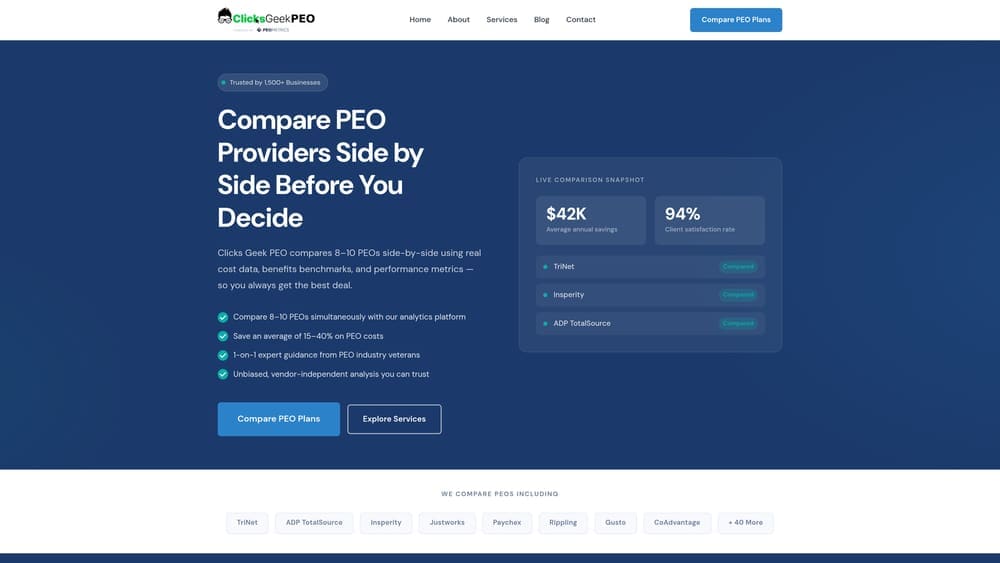
Clicks Geek PEO is an independent comparison platform that breaks down provider pricing, service structures, and contract terms side-by-side.
Where This Tool Shines
Most businesses switch PEOs because they’re frustrated with their current provider—but making the same mistake twice is expensive. This platform removes the guesswork by showing you exactly how providers differ on pricing transparency, administrative fees, and service inclusions.
The real value is in the contract analysis. You can see what you’re actually paying for versus what’s bundled into vague “administrative fees” that vary wildly between providers.
Key Features
Side-by-Side Provider Comparisons: Compare service models, pricing structures, and contract terms across multiple PEO providers in one view.
Transparent Pricing Analysis: Breaks down how each provider structures fees—percentage of payroll versus per-employee charges.
Contract Term Breakdowns: Highlights termination clauses, renewal terms, and fee escalation patterns you need to understand before signing.
Independent Evaluations: No provider bias or affiliate relationships—just objective breakdowns of what each PEO actually offers.
Best For
Business owners who want to evaluate alternatives objectively before switching. Particularly useful if you’re leaving a PEO due to pricing concerns or service issues and want to avoid repeating the same problems.
Pricing
Free comparison resources and provider evaluations.
2. Google Sheets PEO Transition Timeline Template
Best for: Mapping your 60-90 day transition timeline with milestone tracking
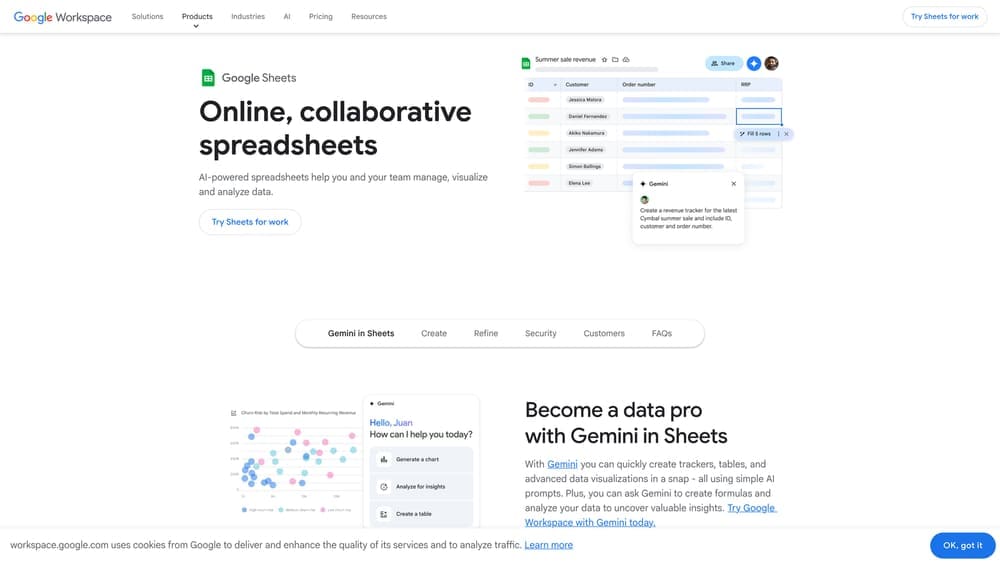
Google Sheets provides customizable spreadsheet templates for building and tracking your PEO switch timeline.
Where This Tool Shines
PEO transitions fail when timelines get vague. A simple spreadsheet forces you to define specific milestones: when you submit termination notice, when payroll data exports are due, when benefits enrollment windows close, when workers’ comp policies transfer.
The shared access feature matters more than you’d think. Your finance team, HR contact, and new PEO rep all need visibility into the same timeline to avoid miscommunication about who’s handling what by when.
Key Features
Customizable Milestone Tracking: Build your own transition checklist with dates, owners, and completion status for each step.
Shared Access for Team Collaboration: Multiple stakeholders can view and update the timeline in real-time without version control issues.
Date-Based Conditional Formatting: Automatically highlight overdue tasks or approaching deadlines to keep the switch on track.
Free to Use: No software costs—just a Google account and basic spreadsheet skills.
Best For
Any business managing a PEO switch, especially those with 10-50 employees where the transition involves multiple internal stakeholders but doesn’t justify dedicated project management software.
Pricing
Free with a Google account.
3. Asana
Best for: Coordinating cross-functional PEO migration tasks with dependencies and assignments
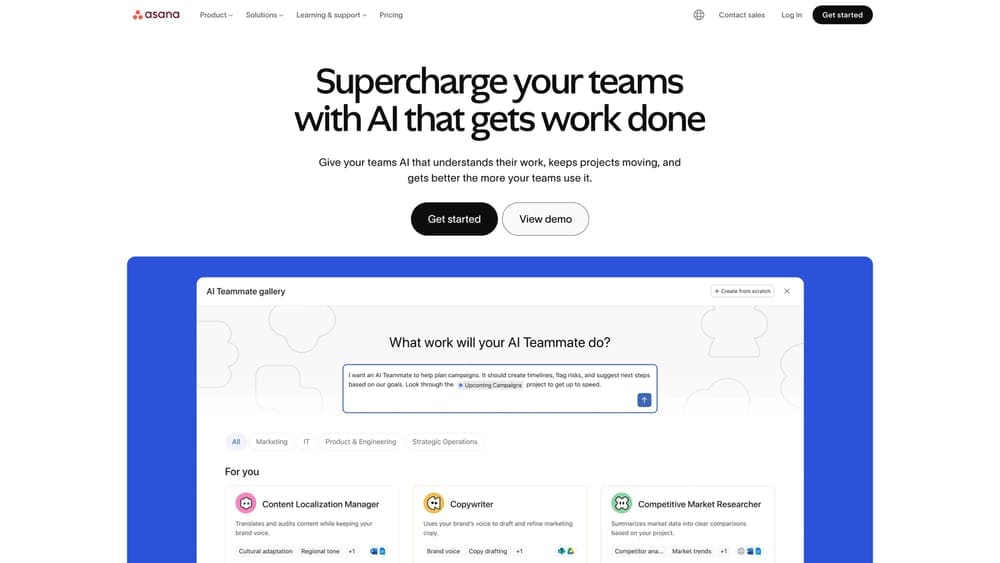
Asana is a project management platform that handles task assignment, dependencies, and deadline tracking across teams.
Where This Tool Shines
Once you hit 15+ employees, PEO transitions involve too many moving parts for a simple spreadsheet. You need to track dependencies—benefits enrollment can’t start until employee data exports are complete, payroll testing can’t happen until the new system is configured, tax verification can’t occur until both providers confirm their final dates.
Asana’s strength is making these relationships visible. When one task slips, you immediately see what else gets delayed downstream. That visibility prevents the cascading failures that turn 60-day transitions into 90-day emergencies.
Key Features
Task Dependencies and Timelines: Link related tasks so delays in one area automatically adjust downstream deadlines.
Team Assignment and Notifications: Assign specific tasks to team members with automatic reminders as deadlines approach.
Project Templates: Build a reusable PEO transition template if you manage multiple locations or anticipate future switches.
Integration with Calendar Apps: Sync milestones to Google Calendar or Outlook so deadlines appear in everyone’s existing workflow.
Best For
Companies with 15+ employees or multiple decision-makers involved in the PEO switch. Most valuable when your transition involves coordinating between internal finance, HR, department managers, and external providers simultaneously.
Pricing
Free tier available for basic project management. Premium plans start at $10.99 per user per month.
4. Gusto
Best for: Extracting clean employee data and payroll history from your current system
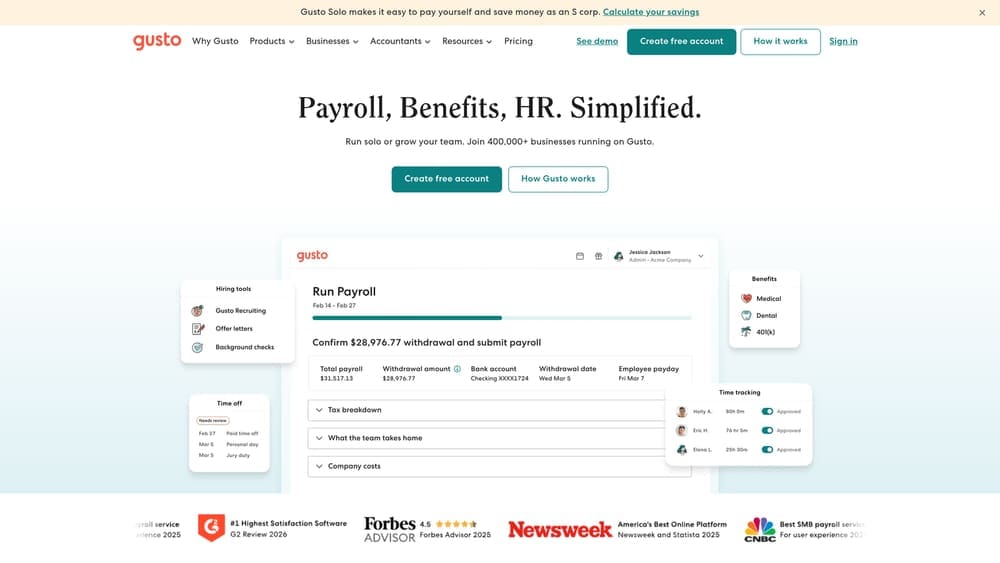
Gusto is a payroll platform with robust data export capabilities for extracting employee records, payroll history, and benefits information.
Where This Tool Shines
The biggest operational risk during a PEO switch is incomplete or inaccurate employee data transfer. You need clean exports of current employee information, year-to-date payroll totals, tax withholding details, and benefits elections—all formatted in a way your new provider can actually use.
If your outgoing PEO uses Gusto as their underlying platform, the export process is straightforward. If they don’t, Gusto still serves as a useful intermediate step for cleaning and validating data before handing it to your new provider.
Key Features
Employee Data Export: Extract complete employee records including personal information, compensation details, and employment dates in CSV format.
Payroll History Reports: Generate year-to-date payroll summaries needed for tax reconciliation and new provider setup.
Benefits Enrollment Records: Export current benefits elections and contribution amounts to ensure continuity during the transition.
Tax Document Archives: Access historical W-2s, 1099s, and quarterly tax filings for verification purposes.
Best For
Businesses whose current PEO uses Gusto as their payroll engine, or companies that want to run parallel payroll briefly to verify accuracy before fully switching to a new provider.
Pricing
Starts at $40 per month plus $6 per employee.
5. DocuSign
Best for: Managing termination notices and new agreements with audit trail documentation
DocuSign is an electronic signature platform for executing and tracking signed documents with legally binding audit trails.
Where This Tool Shines
PEO contracts often have specific termination notice requirements—60 days written notice, signature from an authorized officer, delivery via certified method. Missing these requirements can trigger automatic renewal clauses that lock you in for another year.
DocuSign creates a timestamped, legally defensible record of when termination notices were sent, who received them, and when they were acknowledged. That documentation matters if your old provider claims they never received proper notice or disputes the termination timeline.
Key Features
Legally Binding E-Signatures: Execute termination notices and new provider agreements with signatures that hold up in contract disputes.
Audit Trail Documentation: Automatic tracking of when documents were sent, opened, and signed by all parties.
Template Creation: Build reusable templates for standard PEO transition documents to ensure consistency across multiple signers.
Multi-Party Signing Workflows: Route documents through multiple approvers in sequence—useful when new PEO agreements require signatures from both your leadership and the provider.
Best For
Any business switching PEOs where contract termination timing is critical, or where you need documented proof of when notices were delivered and acknowledged.
Pricing
Personal plan starts at $10 per month. Business plans with advanced features start at $25 per user per month.
6. BambooHR
Best for: Maintaining independent employee records outside of PEO systems
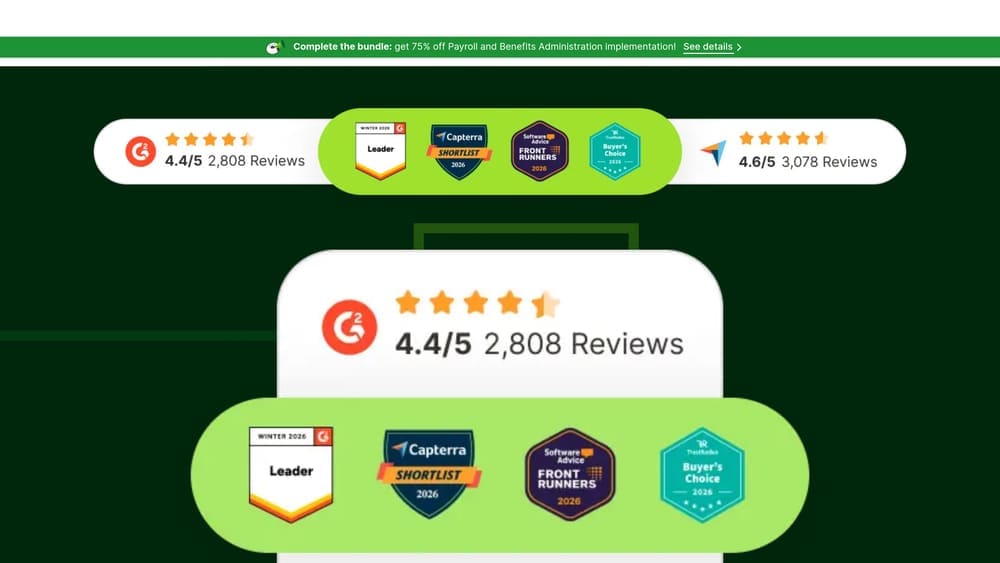
BambooHR is an HR information system for centralizing employee data, documents, and records independent of your PEO provider.
Where This Tool Shines
One lesson most businesses learn during their first PEO switch: you don’t actually own your employee data when it lives exclusively in the PEO’s system. When you terminate service, you’re dependent on their timeline and export format for getting your records back.
BambooHR solves this by giving you a permanent system of record that exists independently of your PEO relationship. Employee files, performance reviews, disciplinary documentation, and policy acknowledgments stay accessible regardless of which PEO you’re using for payroll and benefits administration.
Key Features
Centralized Employee Records: Store all employee information, documents, and history in one system that you control completely.
Document Storage and Management: Upload and organize offer letters, performance reviews, certifications, and other HR documents outside your PEO’s platform.
Employee Self-Service Portal: Let employees update their own information and access documents without going through the PEO.
Reporting and Analytics: Generate headcount reports, turnover analysis, and other HR metrics without relying on PEO-provided data.
Best For
Companies with 20+ employees who want to maintain control over their employee data long-term, or businesses planning to switch PEOs multiple times as they scale and their needs change.
Pricing
Custom pricing based on employee count. Typically starts around $6-8 per employee per month.
7. IRS EFTPS (Electronic Federal Tax Payment System)
Best for: Verifying federal tax deposits during the transition period
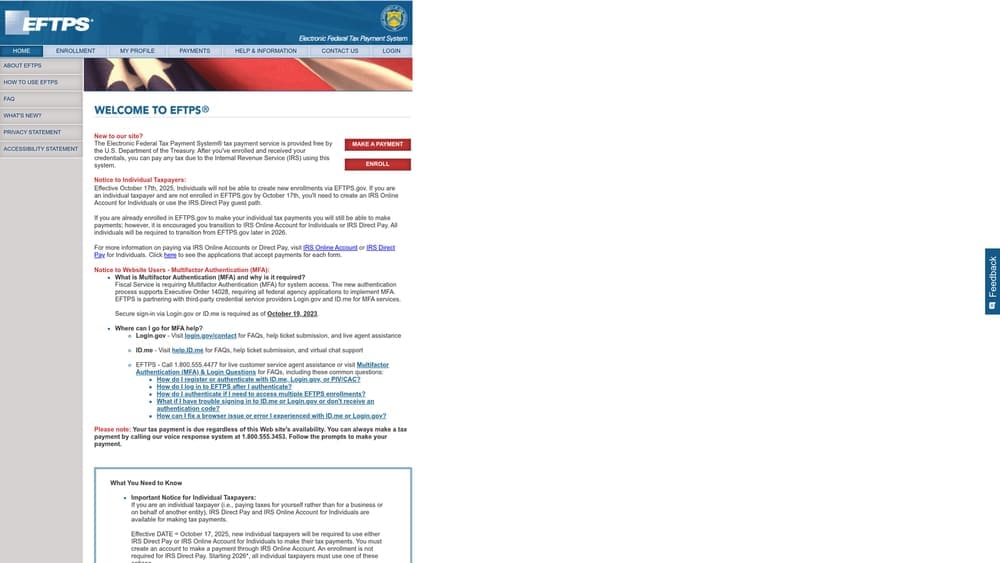
IRS EFTPS is the official IRS portal for making and verifying federal tax payments including payroll taxes.
Where This Tool Shines
The most expensive PEO transition mistakes happen when tax deposits fall through the cracks. Your old PEO thinks the new one is handling it. The new PEO assumes the old one covered the final period. Meanwhile, federal payroll taxes go unpaid and penalties start accruing immediately.
EFTPS lets you verify directly with the IRS whether deposits were actually made, when they posted, and for which periods. This is the only reliable way to confirm both providers did what they said they’d do during the handoff.
Key Features
Direct Federal Tax Payment Verification: Check your actual IRS account to see which deposits posted and when, regardless of what your PEO claims they submitted.
Payment History Access: Review up to 16 months of federal tax payment history to identify any gaps during the transition.
Official IRS Records: Access the same data the IRS uses for compliance verification—no relying on PEO-generated reports.
Free Government Service: No cost to enroll or use the system for verification purposes.
Best For
Every business switching PEOs should verify federal tax deposits through EFTPS during the 60 days before and after the switch date. This is non-negotiable if you want to catch problems before they become penalty situations.
Pricing
Free. Enrollment required but no fees for using the system.
8. State Unemployment Tax Portals
Best for: Verifying SUTA deposits and unemployment tax continuity
State Unemployment Tax Portals are state-specific systems for managing and verifying state unemployment tax accounts.
Where This Tool Shines
State unemployment tax (SUTA) is where PEO transitions get messy. Each state has different filing schedules, rate calculations, and account transfer procedures. Your unemployment tax rate is tied to your claims history—if that history doesn’t transfer correctly to the new PEO, you could get hit with the new employer rate instead of your established lower rate.
Direct verification through your state’s portal shows you exactly what was filed, when payments posted, and whether your account history transferred intact. This matters because SUTA rate errors compound every quarter until you catch them.
Key Features
State-Specific Tax Verification: Access your actual state unemployment tax account to verify deposits and filing compliance.
SUTA Payment History: Review quarterly payment records to ensure no gaps occurred during the PEO transition.
Account Status Confirmation: Verify that your unemployment tax rate and claims history transferred correctly to the new PEO’s account structure.
Direct State Records Access: See the same data your state workforce commission uses for rate calculations and compliance audits.
Best For
Any business switching PEOs that has an established SUTA rate lower than the new employer rate in their state. The rate verification alone can save thousands annually if you catch transfer errors early.
Pricing
Free. Each state operates its own portal with different access procedures.
Making the Switch Work
Start with a comparison platform to evaluate alternatives objectively before you commit to switching. Build your transition timeline early—most clean switches need 60-90 days minimum, and rushing this process creates expensive mistakes.
Use project management tools if you have multiple stakeholders involved. A shared timeline prevents the “I thought you were handling that” conversations that derail transitions.
Verify tax deposits directly through EFTPS and your state unemployment portal. Never assume your old or new PEO handled it correctly. The 30 days before and after your switch date is when gaps occur, and catching them early is the difference between a quick correction and a penalty situation.
The companies that execute clean PEO switches treat this like any other operational project: documented, tracked, and verified at every step. Before you renew your PEO agreement, compare your options. Most businesses overpay due to bundled fees and unclear administrative markups. We break down pricing, services, and contract structures so you can make a smarter decision.