
The real question behind “TriNet PEO vs payroll company” isn’t which model is objectively better. It’s which model fits how your business actually operates right now, and where you’re headed in the next two to three years.
A PEO like TriNet bundles payroll with HR, benefits, compliance, and risk management under a co-employment structure. A standalone payroll company handles checks and tax filings. The cost difference between these two approaches can be substantial, and so can the operational tradeoffs. Neither is universally the right answer.
This guide covers eight options across both categories: full-service PEOs, standalone payroll providers, hybrid platforms, and one tool that helps you compare all of them before you sign anything. If you’re evaluating whether you need a PEO at all, our foundational PEO overview and pricing resources are worth reviewing alongside this breakdown.
1. Clicks Geek PEO
Best for: Business owners who want independent, unbiased analysis before choosing between a PEO and a payroll provider.
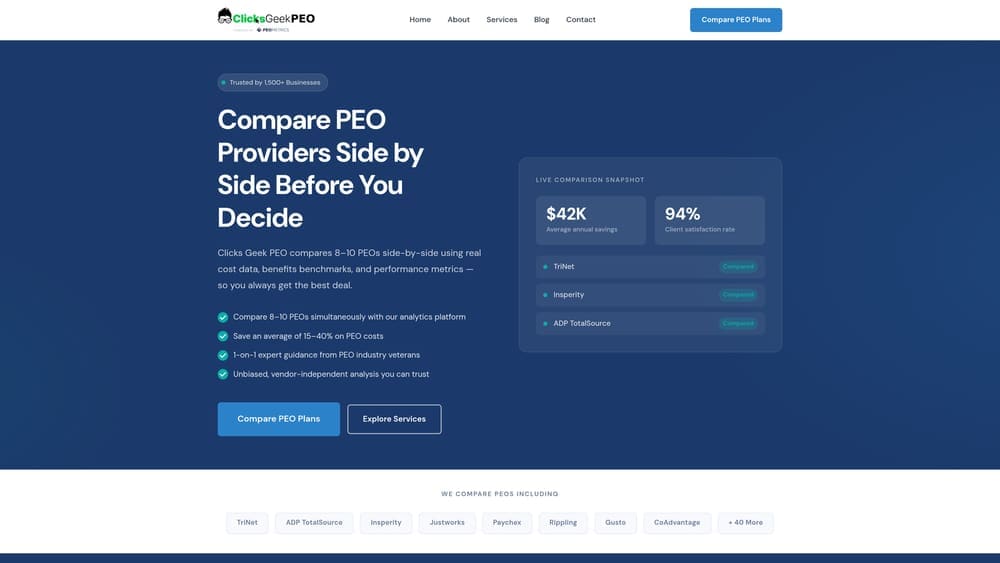
Clicks Geek PEO is an independent PEO comparison and pricing analysis platform built for small and mid-sized businesses evaluating their HR and payroll options.
Where This Tool Shines
Most businesses approach the PEO vs. payroll decision without a clear picture of what they’re actually paying or what they’re getting. Clicks Geek PEO fills that gap by providing side-by-side provider comparisons, transparent pricing breakdowns, and contract structure analysis — without being affiliated with any PEO provider. That independence matters more than it might seem.
If you’re currently with TriNet and wondering whether you’re overpaying, or if you’re on a basic payroll setup and not sure whether a PEO would actually save you money on benefits, this platform is the logical first stop. It’s built specifically for the decision stage you’re in right now.
Key Features
Side-by-Side Provider Comparisons: Compare multiple PEO providers on pricing, services, and contract terms without having to request quotes from each one individually.
Contract Transparency Analysis: Understand fee structures, administrative markups, and contract terms before you commit — the details that sales reps often gloss over.
Independent Advisory: No provider affiliations, no referral fees that skew recommendations. The analysis is built around your business situation, not a commission structure.
PEO vs. Payroll Evaluation Resources: Educational tools and breakdowns that help you determine whether co-employment actually makes sense for your headcount, industry, and compliance exposure.
Best For
Business owners who are renewing a PEO contract, switching providers, or deciding between a PEO and a standalone payroll solution for the first time. Particularly useful if you’ve been with a provider for years and have never actually benchmarked your pricing against alternatives.
Pricing
Free comparison resources and tools. No subscription required to access the core evaluation materials.
2. TriNet
Best for: Small to mid-sized businesses that want full-service HR under one roof, including Fortune 500-level benefits access.
TriNet is one of the largest full-service PEOs in the US, operating under a co-employment model with industry-tailored HR, benefits, and compliance packages.
Where This Tool Shines
TriNet’s strongest differentiator is its industry-specific packaging. Rather than offering a generic HR bundle, they’ve built verticals around sectors like technology, financial services, life sciences, and professional services. That matters because compliance requirements, benefits expectations, and HR complexity vary significantly across industries.
The benefits access is genuinely compelling for small employers. Under the co-employment model, your employees get pooled into TriNet’s larger risk pool, which typically means access to health insurance options that a 15-person company couldn’t negotiate independently. If benefits are a primary recruiting tool for you, that’s a real operational advantage.
Key Features
Industry-Specific HR Packages: Tailored HR and compliance support built around your sector’s specific requirements, not a one-size-fits-all model.
Fortune 500-Level Benefits Access: Small employers gain access to large-group health, dental, vision, and ancillary benefits through TriNet’s pooled purchasing model.
Workers’ Compensation and Risk Management: Included as part of the co-employment structure, reducing your direct liability exposure.
Dedicated HR Consultants: Access to HR professionals who handle day-to-day questions, terminations, compliance reviews, and employee relations issues.
Multi-State Compliance Support: Useful for businesses with employees across multiple states where employment law varies significantly.
Best For
Companies with 10 to 200 employees that have real HR complexity: multi-state operations, competitive benefits needs, or limited in-house HR capacity. Less ideal if your business is very simple operationally or if you’re resistant to co-employment as a structure.
Pricing
Custom pricing; typically structured as a percentage of payroll or per-employee-per-month fee. Requires a direct quote. Pricing varies by headcount, benefits selections, and industry.
3. Gusto
Best for: Small businesses that want clean, modern payroll without co-employment and with transparent per-employee pricing.
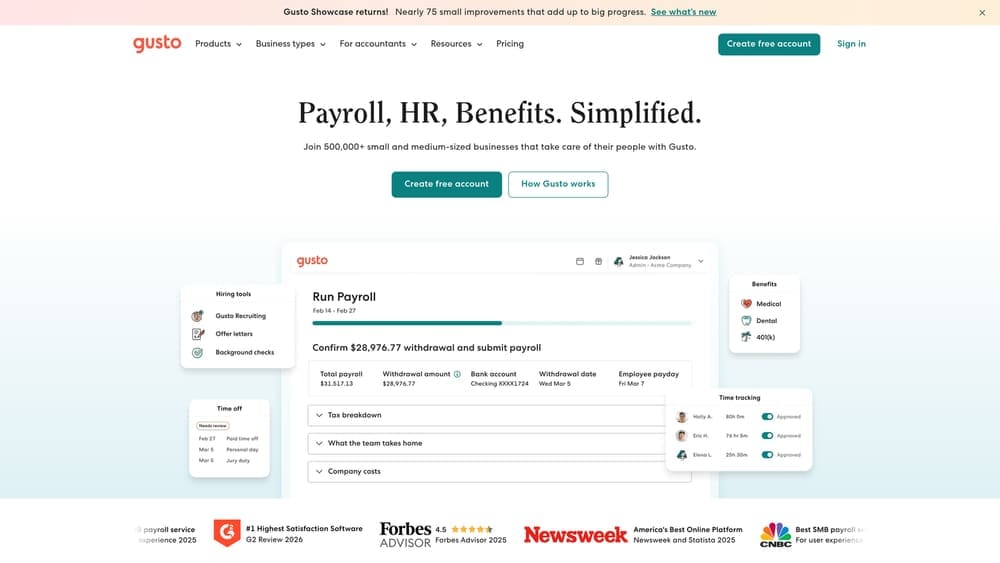
Gusto is a full-service payroll platform with optional HR tools, benefits administration, and onboarding — built for businesses that want control without PEO complexity.
Where This Tool Shines
Gusto’s appeal is its clarity. You know exactly what you’re paying, the interface is genuinely easy to use, and it handles the fundamentals — payroll, tax filings, new hire reporting — without requiring you to understand co-employment or sign a multi-year contract. For many small businesses, that’s exactly what they need.
The benefits brokerage option is worth noting. Gusto can connect you to health insurance and 401(k) options, though these are brokered plans rather than large-group pooled benefits like a PEO provides. If your team is small and benefits competitiveness isn’t a major recruiting factor, the difference may not matter much in practice.
Key Features
Automated Payroll and Tax Filing: Full-service payroll with automatic federal, state, and local tax calculations and filings.
Health Insurance and 401(k) Options: Brokered benefits administration through Gusto’s insurance partners — not a pooled PEO model, but functional for basic needs.
Employee Self-Service Onboarding: New hires complete paperwork digitally, reducing admin time significantly for small HR teams.
Transparent Per-Employee Pricing: No percentage-of-payroll surprises. You pay a flat base plus a per-person monthly fee.
Best For
Businesses under 50 employees with straightforward payroll needs, single-state operations, and limited HR complexity. Also a strong fit for businesses that have outgrown manual payroll but aren’t ready for the commitment of a PEO.
Pricing
Simple tier starts at $40/month base plus $6/person/month. Higher tiers with additional HR tools are available at increased per-employee rates.
4. ADP TotalSource
Best for: Growing businesses that want PEO services backed by enterprise-grade payroll infrastructure and the option to scale within one ecosystem.
ADP TotalSource is ADP’s full-service PEO offering, combining co-employment services with their established payroll and tax compliance engine.
Where This Tool Shines
ADP TotalSource sits in an interesting position: it’s a true PEO with co-employment, but it’s built on ADP’s payroll infrastructure, which means the compliance and tax processing backbone is genuinely robust. For businesses that are already using ADP for payroll and considering a PEO upgrade, the transition is considerably less disruptive than switching vendors entirely.
The IRS CPEO (Certified Professional Employer Organization) certification is meaningful. It affects how payroll taxes are handled and can have implications for certain tax credits. Not every PEO holds this certification, so it’s worth checking if that matters for your situation.
Key Features
IRS-Certified PEO (CPEO): Holds federal CPEO certification, which affects tax liability allocation and is relevant for businesses concerned about tax credit continuity.
ADP Payroll and Compliance Engine: Built on ADP’s established tax processing infrastructure, which handles significant payroll volume across complex multi-state scenarios.
Scalable Within ADP Ecosystem: Businesses can move between standalone ADP payroll and TotalSource PEO without switching platforms or re-entering employee data.
Dedicated HR Business Partner: Assigned HR support for day-to-day employee relations, compliance questions, and policy guidance.
Multi-State Compliance Support: Strong coverage for businesses with employees across multiple jurisdictions.
Best For
Mid-sized businesses with 25 or more employees, multi-state complexity, or existing ADP relationships. Also useful for businesses that want PEO services but want the option to exit co-employment without a full platform migration.
Pricing
Custom pricing; requires a direct quote. Generally positioned competitively for businesses at 25 or more employees where per-employee costs start to normalize.
5. Paychex Flex
Best for: Businesses that want to start with payroll and potentially grow into PEO services without switching vendors.
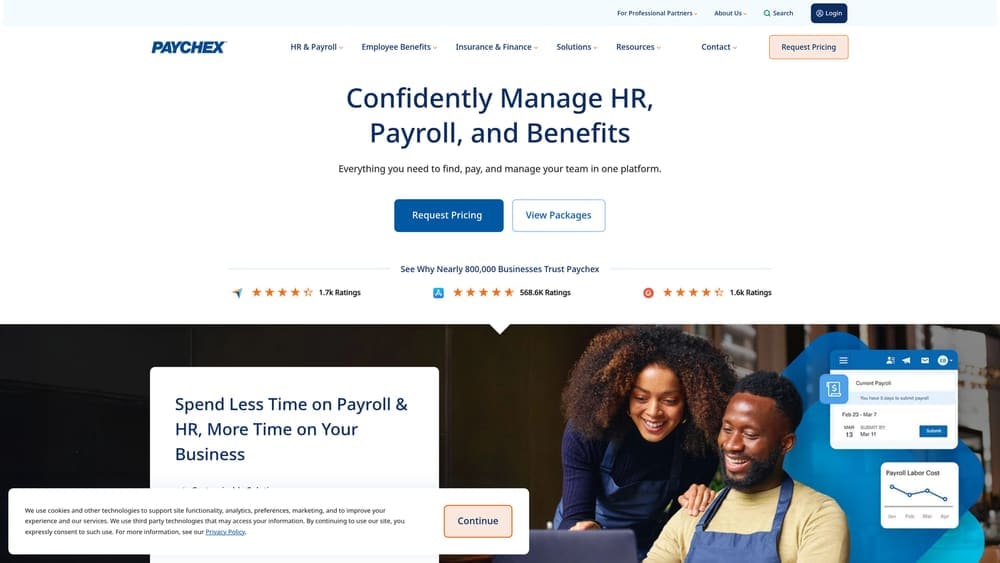
Paychex Flex is a modular payroll and HR platform that lets businesses start basic and add PEO services through Paychex PEO as their needs evolve.
Where This Tool Shines
The modularity is the real story here. Most businesses face a binary choice: commit to a PEO or stay with a payroll provider. Paychex offers a middle path where you can start with payroll, add HR modules as you grow, and eventually upgrade to full PEO services — all without changing platforms or rebuilding your employee data from scratch.
This is particularly valuable for businesses that are scaling quickly and aren’t sure yet whether their compliance and benefits needs will reach PEO-level complexity. You’re not locked into a decision before you have enough information to make it well.
Key Features
Modular HR Add-Ons: Start with payroll and layer in time tracking, hiring, onboarding, and HR tools as your needs grow.
Paychex PEO Upgrade Path: Move to full co-employment services without switching vendors or migrating employee records.
Workers’ Comp Administration: Available as a standalone add-on or included within the PEO tier — useful for businesses in industries with higher risk exposure.
Time Tracking and Onboarding Tools: Included in higher tiers, reducing the need for separate point solutions.
Best For
Growing businesses between 10 and 100 employees that want flexibility to scale their HR services over time without committing to a full PEO from day one. Also a reasonable choice for businesses already on Paychex that are evaluating whether to upgrade.
Pricing
Payroll starts around $39/month plus approximately $5 per employee. PEO services through Paychex PEO require a custom quote.
6. Justworks
Best for: Startups and small teams that want PEO benefits access with flat, predictable pricing and less contract rigidity.
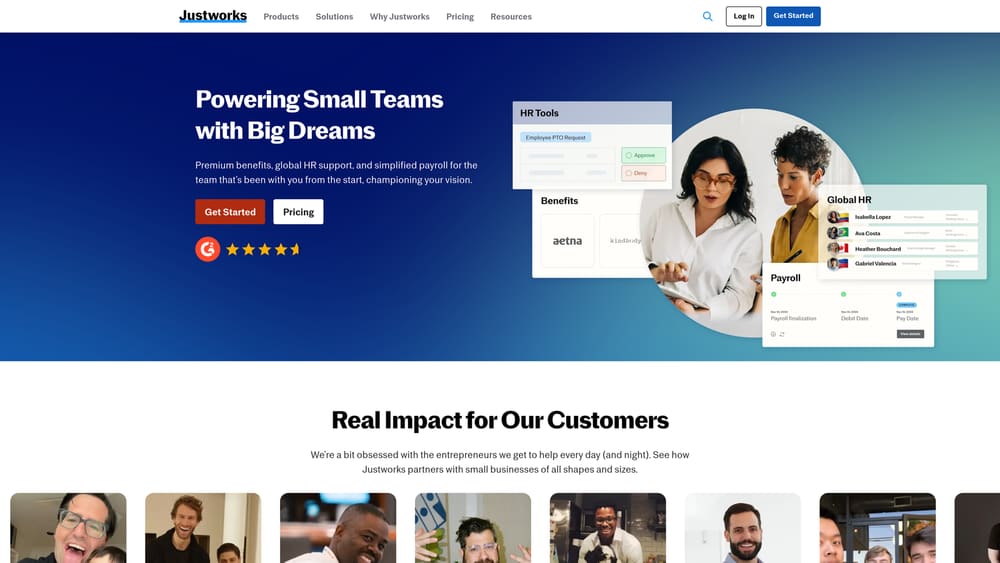
Justworks is a simplified PEO with transparent per-employee pricing, large-group benefits access, and a straightforward onboarding experience designed for small teams.
Where This Tool Shines
Justworks addresses one of the most common frustrations with traditional PEOs: pricing opacity. Most PEOs require a quote process, and the final number often includes administrative markups that aren’t obvious upfront. Justworks publishes its pricing publicly and charges a flat per-employee-per-month fee, which makes budgeting considerably more straightforward.
For early-stage companies that want access to competitive health insurance without the complexity of a traditional PEO relationship, Justworks hits a practical middle ground. It’s a real PEO with co-employment, but the experience is closer to a SaaS product than a traditional HR services engagement.
Key Features
Flat Per-Employee Pricing: No percentage-of-payroll model. You pay a fixed monthly fee per employee, which makes cost forecasting predictable as headcount grows.
Large-Group Health Insurance Access: Employees get access to health, dental, and vision plans through Justworks’ pooled purchasing, similar to larger PEOs.
401(k) and Compliance Tools: Retirement plan administration and compliance support included without additional per-service fees.
Simple Employee Self-Service Portal: Clean interface for employees to manage benefits, view pay stubs, and complete onboarding without HR involvement.
Best For
Startups and small businesses with 5 to 100 employees that prioritize benefits access and pricing transparency. Less suited for businesses with complex, industry-specific HR needs that require dedicated HR consulting.
Pricing
Basic plan starts at $59/employee/month. Plus plan with enhanced HR and benefits features starts at $109/employee/month. Pricing is published publicly.
7. OnPay
Best for: Very small businesses that want no-frills payroll with honest pricing and no upsell pressure.
OnPay is a straightforward payroll provider with a single pricing tier, included benefits administration, and no long-term contracts — built for simplicity over breadth.
Where This Tool Shines
OnPay’s appeal is its lack of complexity. One tier. All features included. No surprise fees when you need to add a feature you assumed was standard. For businesses that have been burned by payroll providers that charge separately for tax filings, year-end W-2s, or benefits administration, that straightforwardness is genuinely refreshing.
It’s not a PEO and doesn’t try to be one. If your compliance needs are manageable, your benefits situation is simple, and you just need payroll done reliably and affordably, OnPay is worth serious consideration. The multi-state payroll support is a practical addition for businesses with employees in more than one state.
Key Features
Single Pricing Tier: All features included at one price — no tiered plans, no add-on fees for standard functionality.
Payroll, Tax Filing, and Benefits Admin: Full-service payroll with automated tax filings and basic benefits administration in one platform.
Multi-State Payroll Support: Handles payroll across multiple states without requiring an upgrade or additional fee.
No Long-Term Contracts: Month-to-month with no cancellation penalties, which reduces commitment risk for smaller businesses.
Best For
Businesses under 25 employees with simple payroll needs, minimal HR complexity, and no immediate need for PEO-level benefits access or compliance support. Ideal for operators who want to keep overhead low and HR simple.
Pricing
$40/month base plus $6/person/month. All features included at that price point with no additional tier required.
8. Rippling
Best for: Tech-forward businesses that want PEO-level breadth of services without entering a co-employment relationship.
Rippling is a unified workforce platform combining payroll, HR, IT management, and device administration — competing with PEOs on service breadth without using a co-employment model.
Where This Tool Shines
Rippling occupies a category that didn’t really exist five years ago: a platform broad enough to compete with PEOs on operational coverage, but without the co-employment structure that some business owners resist. You remain the sole employer of record. Rippling handles the automation, compliance monitoring, and system integrations.
The IT and device management layer is what truly differentiates it. For businesses where onboarding involves provisioning laptops, setting up software access, and managing security policies, having that integrated with HR and payroll in one system eliminates a significant amount of manual coordination. That’s a real operational advantage for distributed or remote-first teams.
Key Features
Unified Payroll, HR, and IT: One platform handles payroll processing, HR workflows, app provisioning, and device management — reducing the number of disconnected systems you’re managing.
Automated Compliance Monitoring: Policy enforcement and compliance tracking built into workflows rather than relying on manual HR review.
Global Payroll Capabilities: Supports payroll for distributed teams across multiple countries, which is relevant for businesses with international employees or contractors.
App Provisioning and Offboarding Automation: Automatically grants or revokes software access based on employment status, which reduces security risk during employee departures.
No Co-Employment: You retain full employer-of-record status. Rippling provides the tooling; you retain the employment relationship.
Best For
Tech companies, remote-first teams, and businesses with 20 or more employees that need more than payroll but don’t want co-employment. Also a strong fit for companies that have outgrown basic HR tools but find traditional PEO contracts too rigid.
Pricing
Core platform starts at $8/employee/month. Additional modules for HR, IT, and global payroll are priced separately, so total cost depends on which components you activate.
Making the Right Call for Your Business
The honest answer is that TriNet and a basic payroll company are solving fundamentally different problems. If you conflate them, you’ll either overpay for services you don’t use or underbuy and create compliance gaps you don’t notice until something goes wrong.
Here’s a practical breakdown by situation:
If you need benefits access and have under 100 employees: A PEO like TriNet or Justworks is worth evaluating. The pooled benefits purchasing can offset the administrative fee, particularly for health insurance.
If your payroll is simple and compliance exposure is low: Gusto or OnPay will handle what you need at a fraction of the cost. Don’t pay PEO fees for services you won’t use.
If you’re scaling and unsure: Paychex Flex or ADP TotalSource gives you a path to grow into PEO services without a full vendor switch. That flexibility has real value when your needs are still evolving.
If you want breadth without co-employment: Rippling competes with PEOs on operational coverage while keeping you as the sole employer of record.
Before you renew your current PEO agreement or commit to a new one, it’s worth doing a proper cost comparison. Most businesses overpay due to bundled fees and unclear administrative markups. You can compare your options through our independent comparison platform to get a clear picture of what you’re actually paying versus what’s available in the market. No provider affiliation, no sales pressure — just a straight analysis of your situation.